| Web | Trailer | Epic Store |
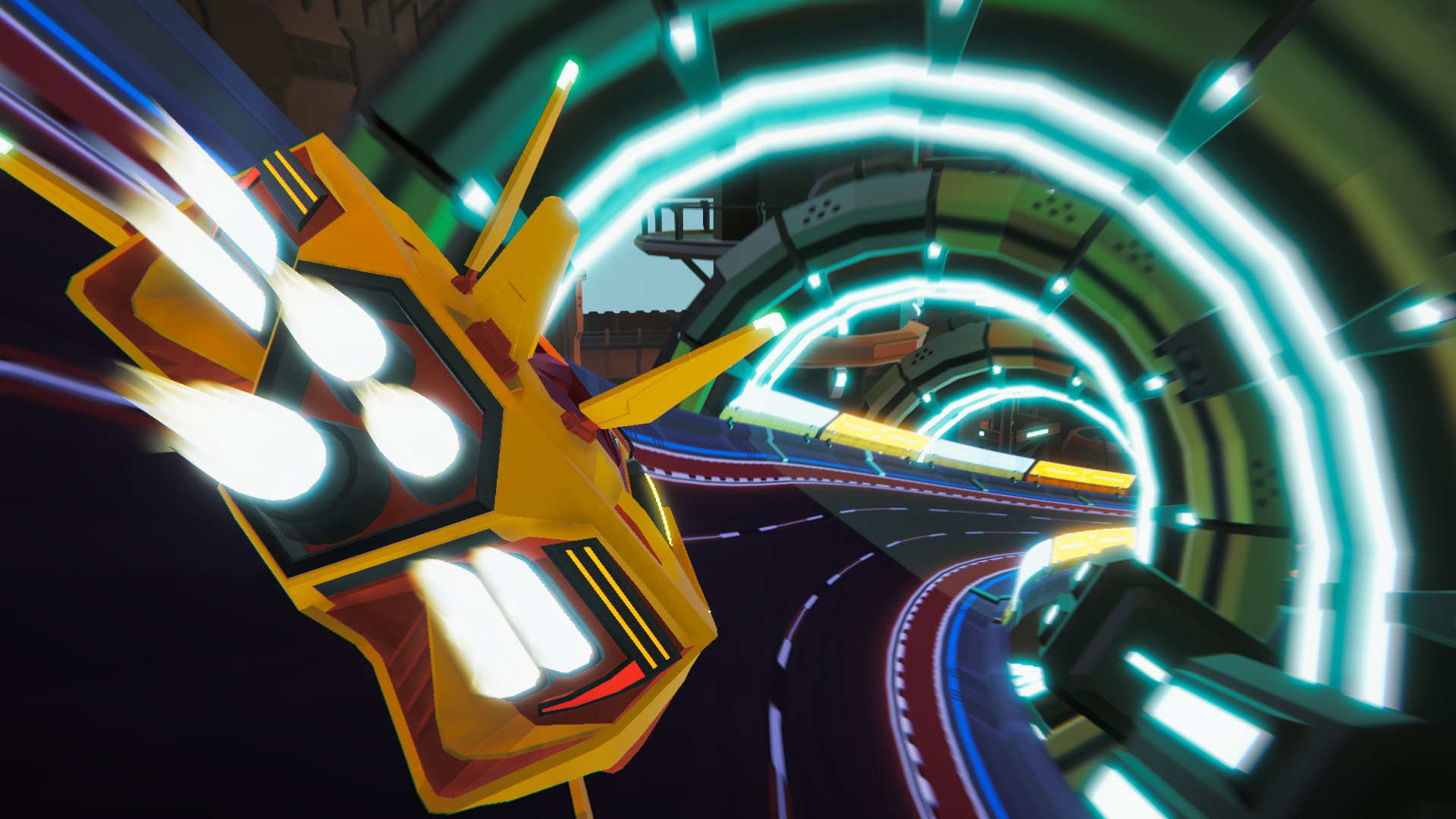
I worked on Racerloop at Maniac Panda Games as a Junior Programmer.
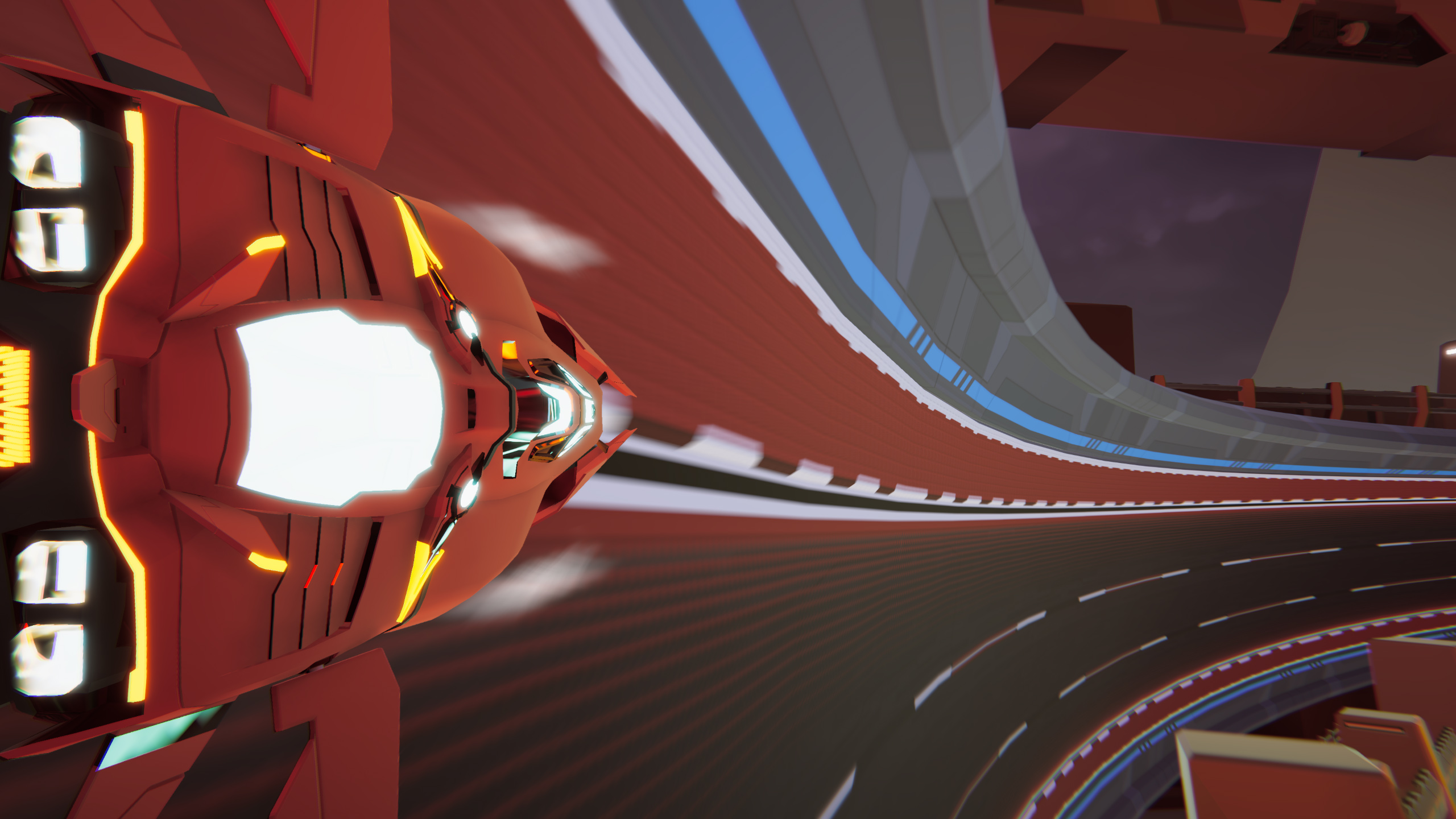
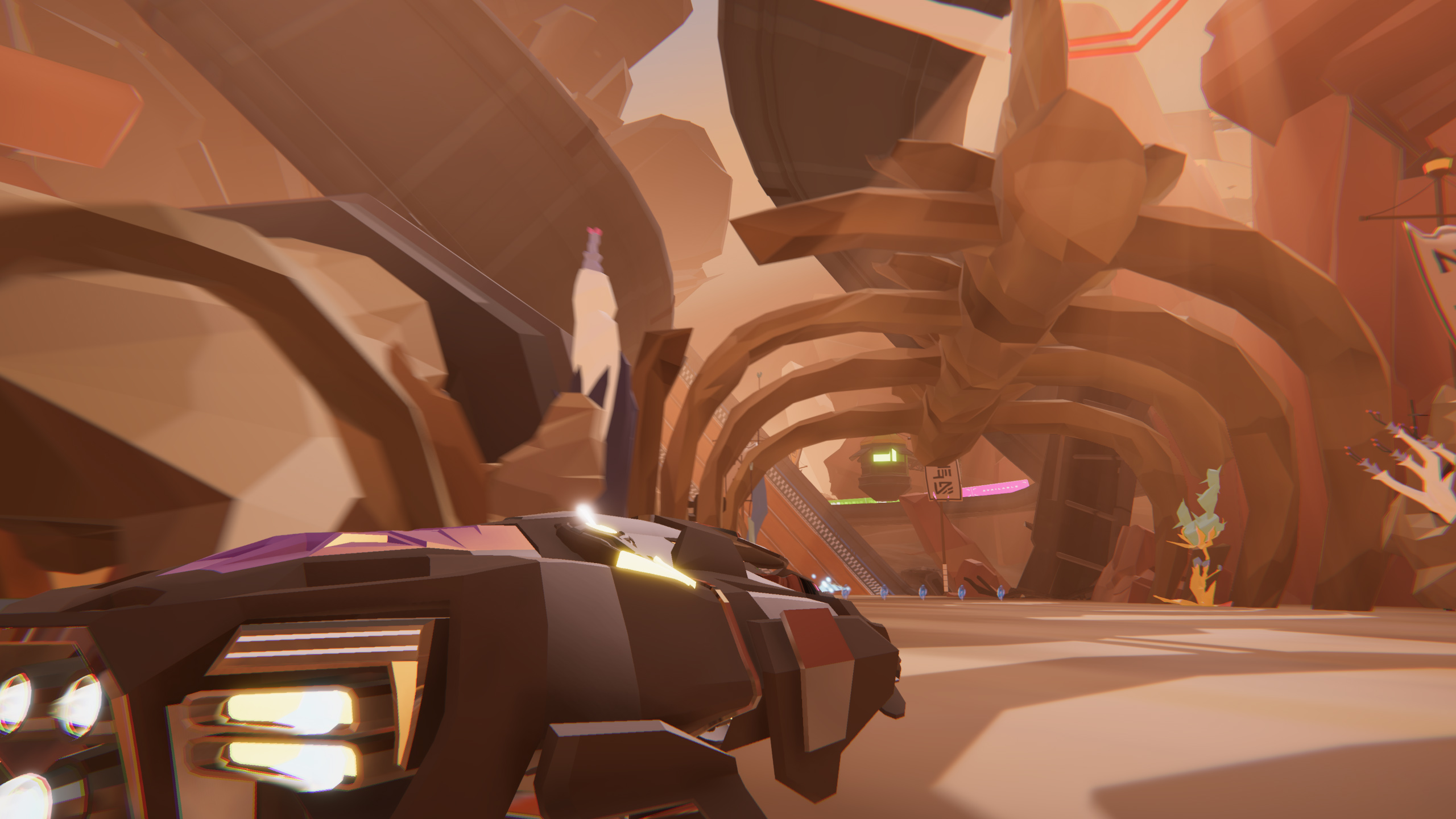
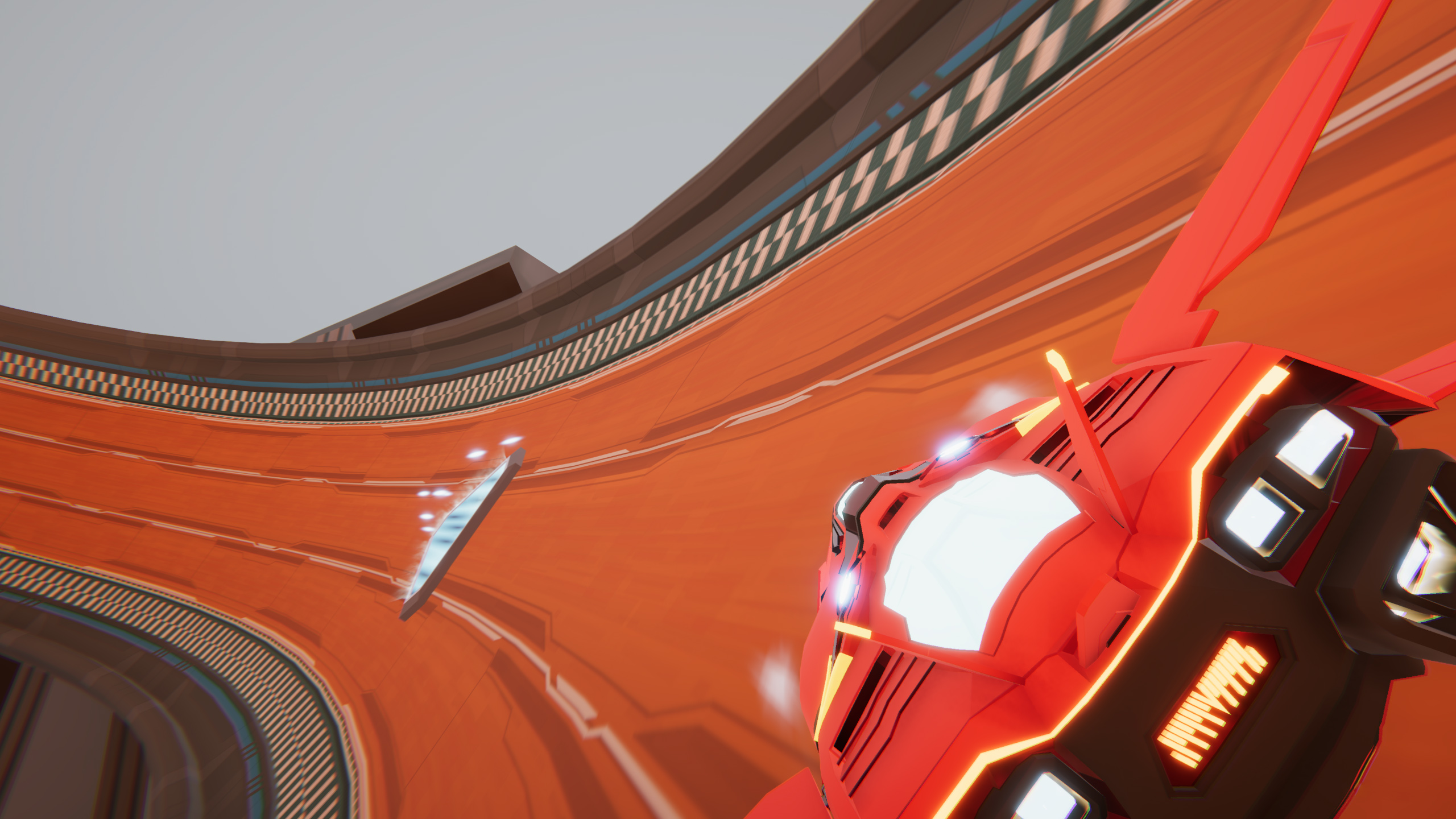
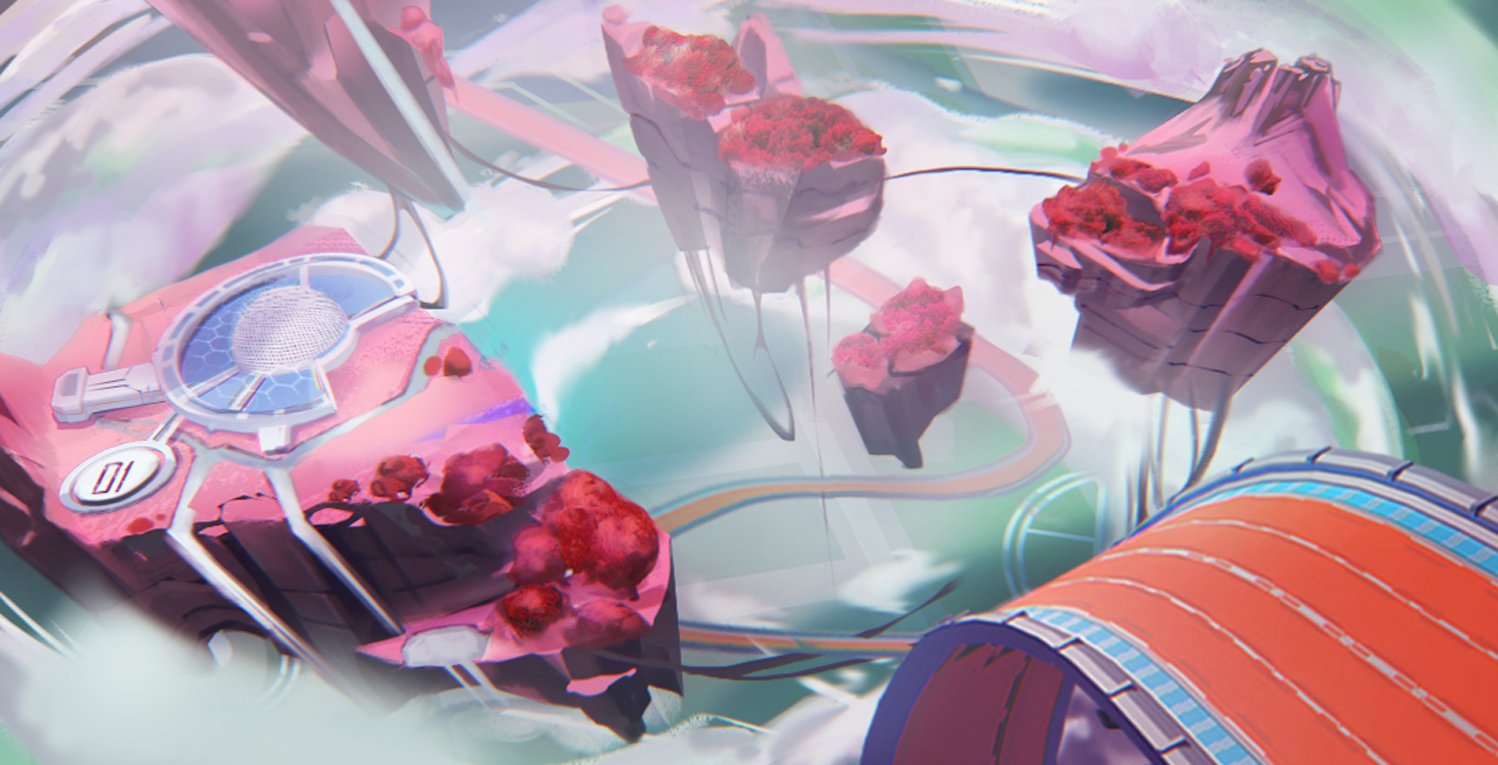
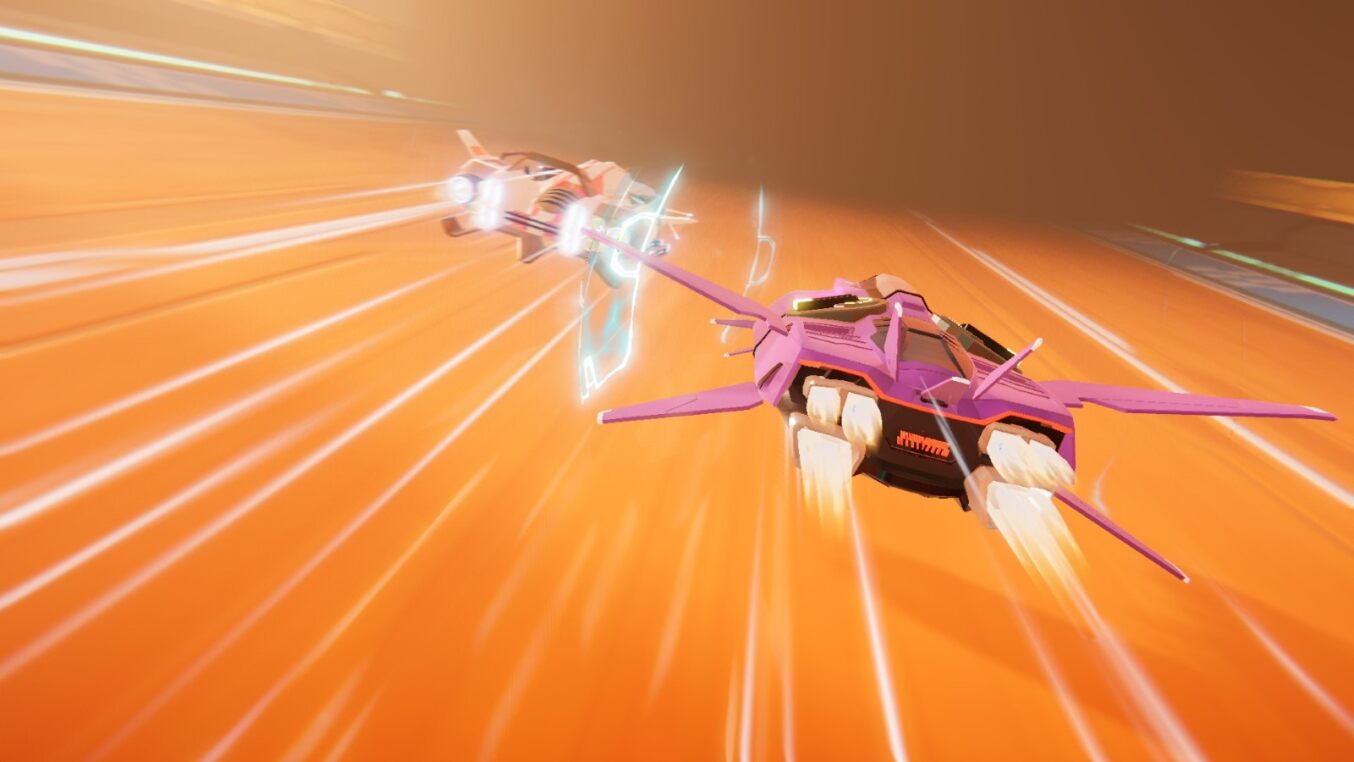
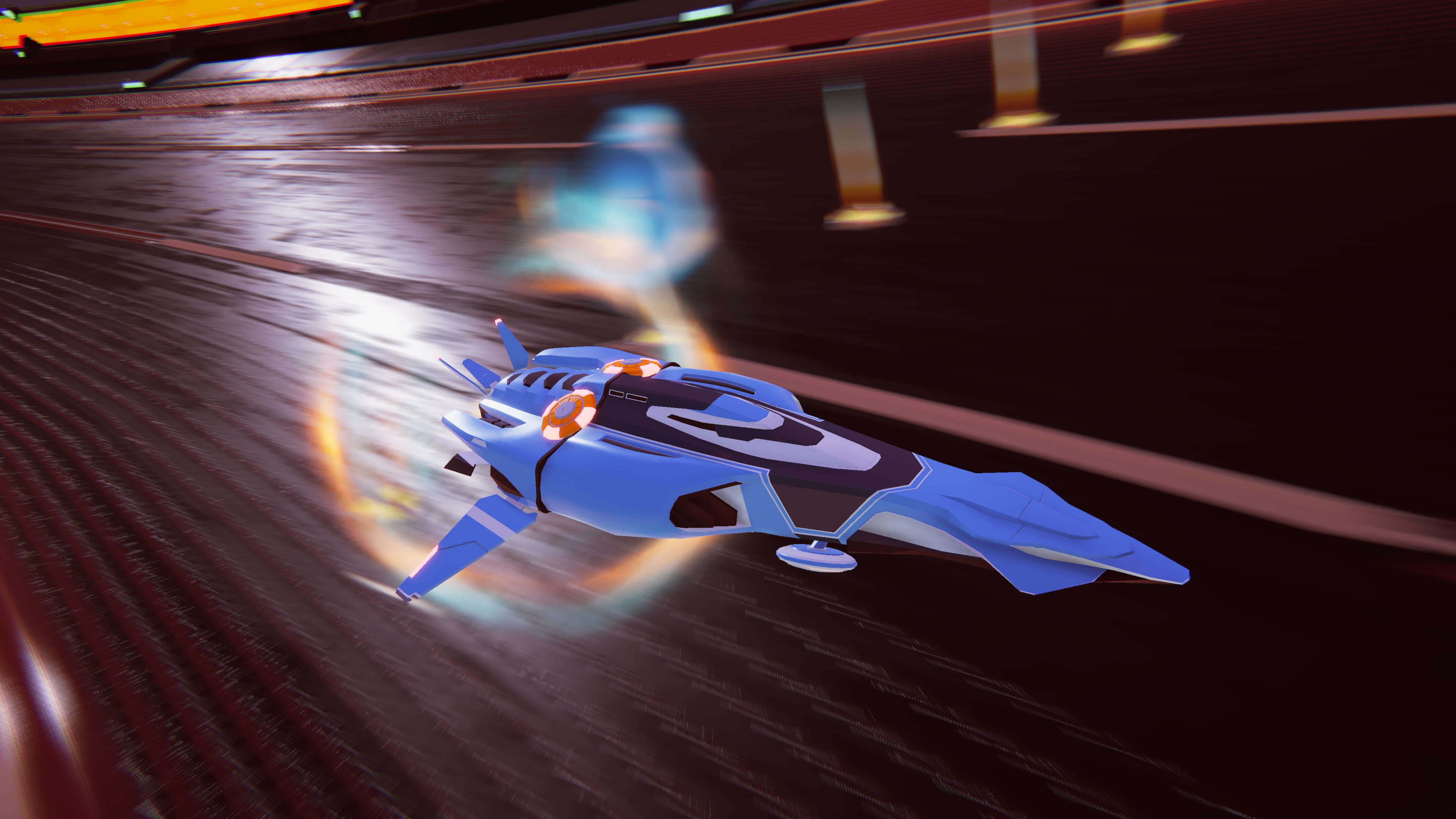
Racerloop is a PC/mobile 3D arcade zero-gravity racing game with ship-building components, developed using Unity (C#). We were a small remote-based team where I had to work both under lead directions and on my own.
I had contributions all along the game since the first prototypes, but my main work was in:
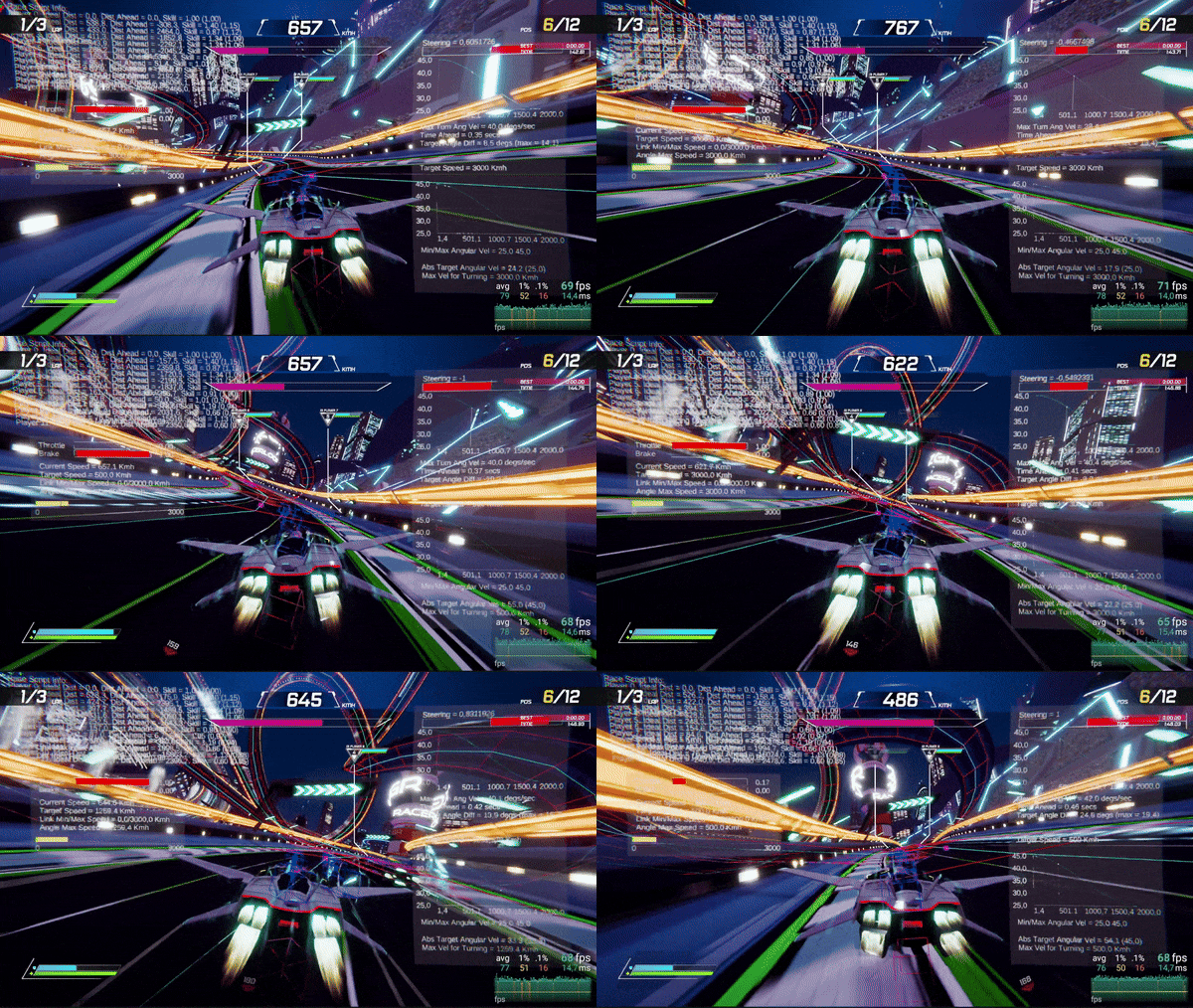
AI Systems:
- AI Movement: Both using WayPoints and an AI track with ahead target position.
- AI Track: Made up by Links and Nodes, with UV coordinates. AI Track creation depending on track’s curvature.
- AI and Player position Tracking inside AI Track: Using custom geometry functions. Ex: Calculating nearest point, calculating a projected point in the AI Link…
- AI Look Ahead Position: Target position for the AI movement, creating and ideal Lane that had an offset depending on AI skill.
- Ideal Racing Lane.
- AI Player ideal inputs: Such as ideal throttle, steering, brake, turbo… depending on AI track, ship parameters and AI Skill.
- AI Respawn logic.
- AI Obstacle Avoidance and Crash Prediction.
- AI Power Up usage logic.
- AI Graphic Debug Systems.
- AI Manual fine tunning.
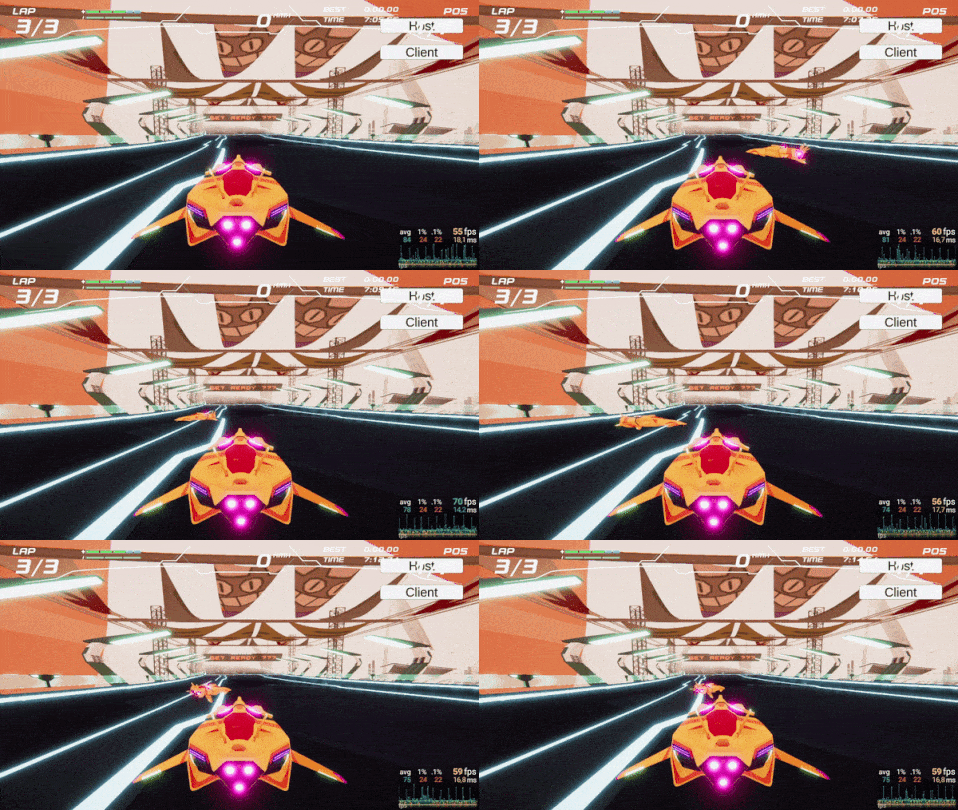
Synchronous Online Game Mode: Developed the first full-working prototype.
- Using Unity Networking Services, Unity Netcode for GameObjects, Unity Lobbies, Unity Relay, and both Client and Server RPCs.
- Adapted the offline game to have all the online workflow and logic.
- Implemented online mode UI: This included the Online Screen, Lobby screen…
- Game Synchronization between Players: Ship type selection, Player position, AI position, race progress, race start, power up usage, race finish, Player’s and AI’s health turbo and shield…
- Online Inputs.
- Missile Power Up Online Pool and Position sync.
- Online Event Propagation logic.
- Online Reconnection handling.
- Online playtest and debuging.
Gameplay Systems: Implemented several gameplay systems, mainly in the first design fase.
- Customizable Player Orbital Camera with Spring Damper System.
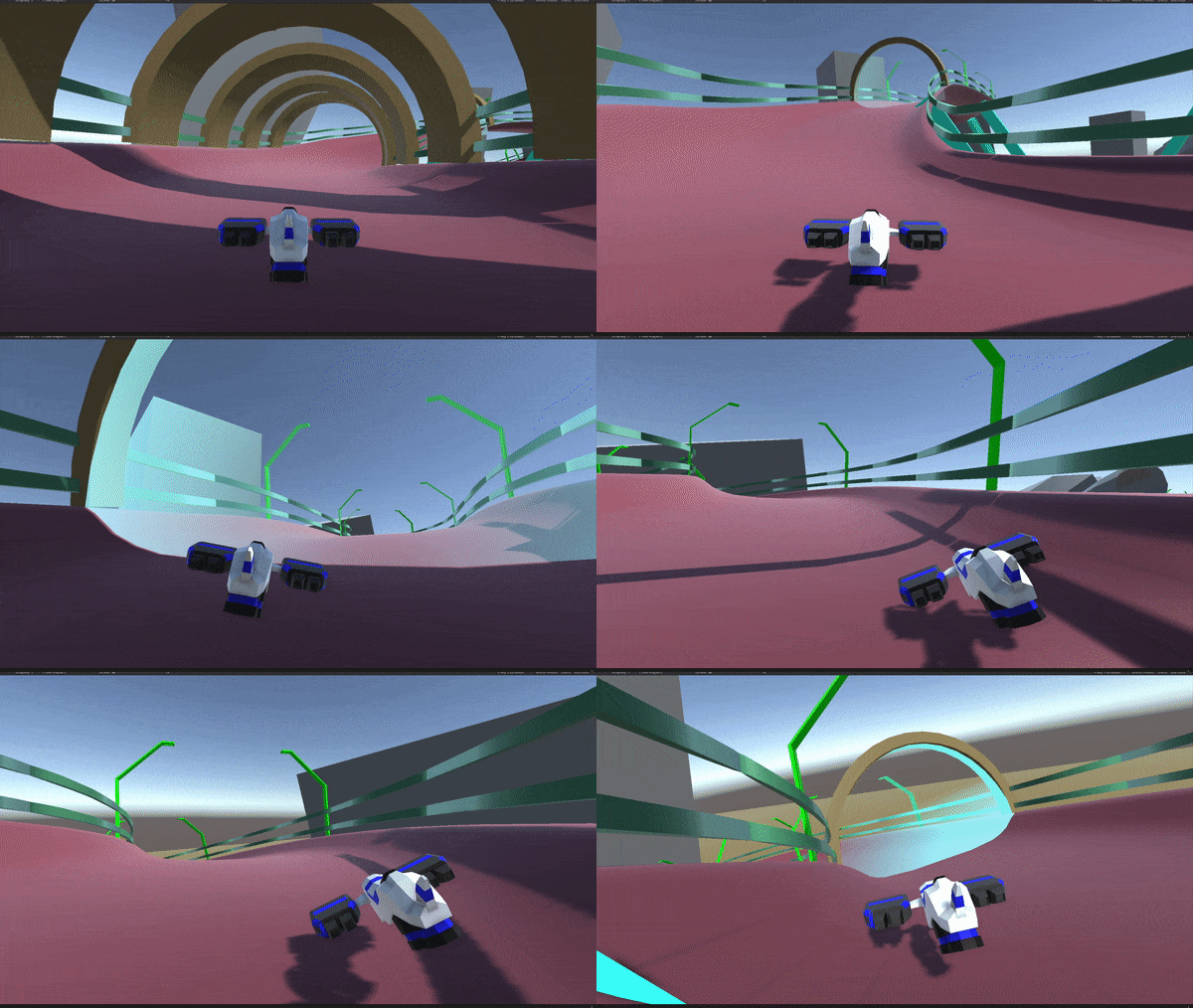
- Customizable Ship’s hovering prototype.
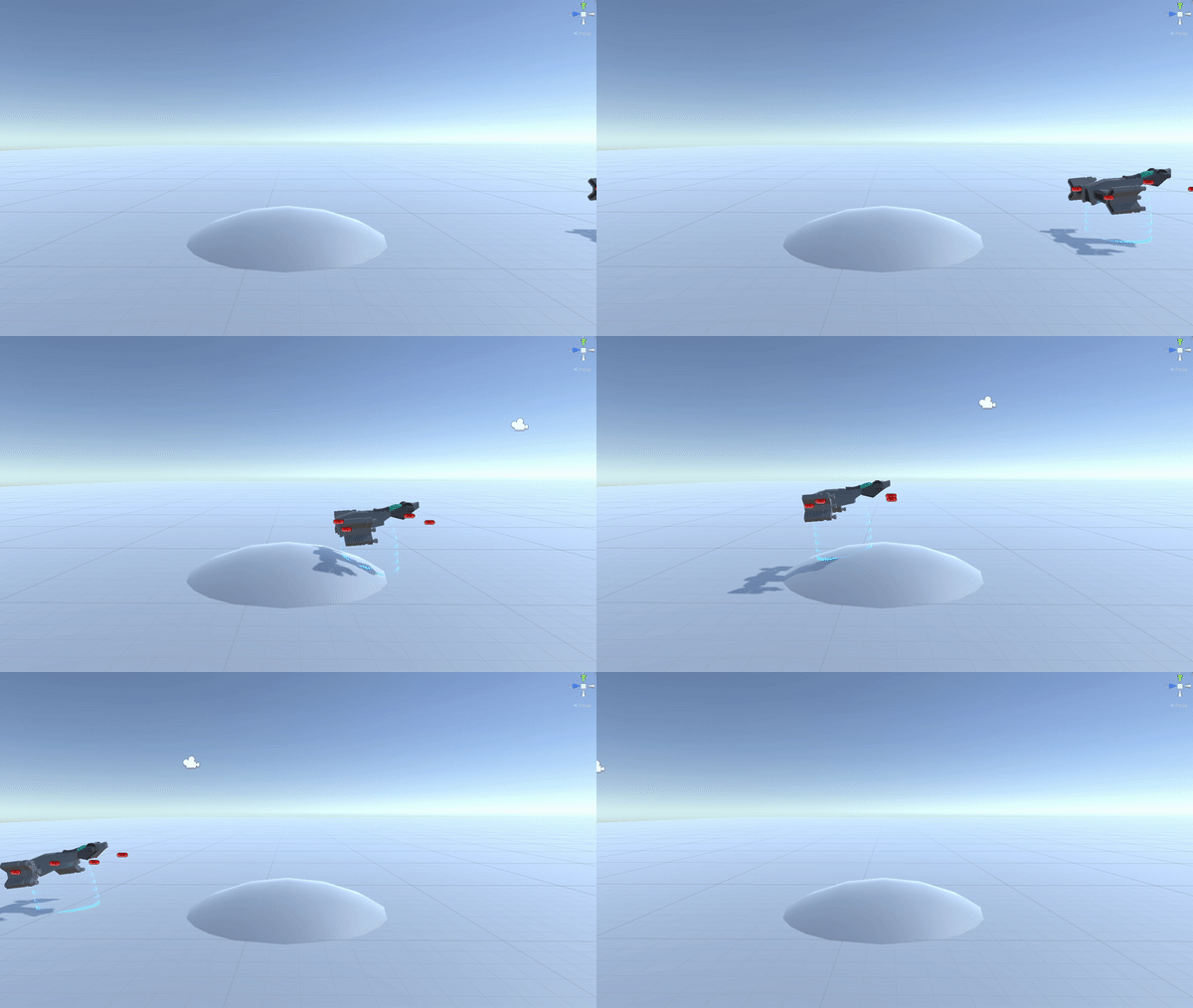
- Customizable Dynamic Gravity System.
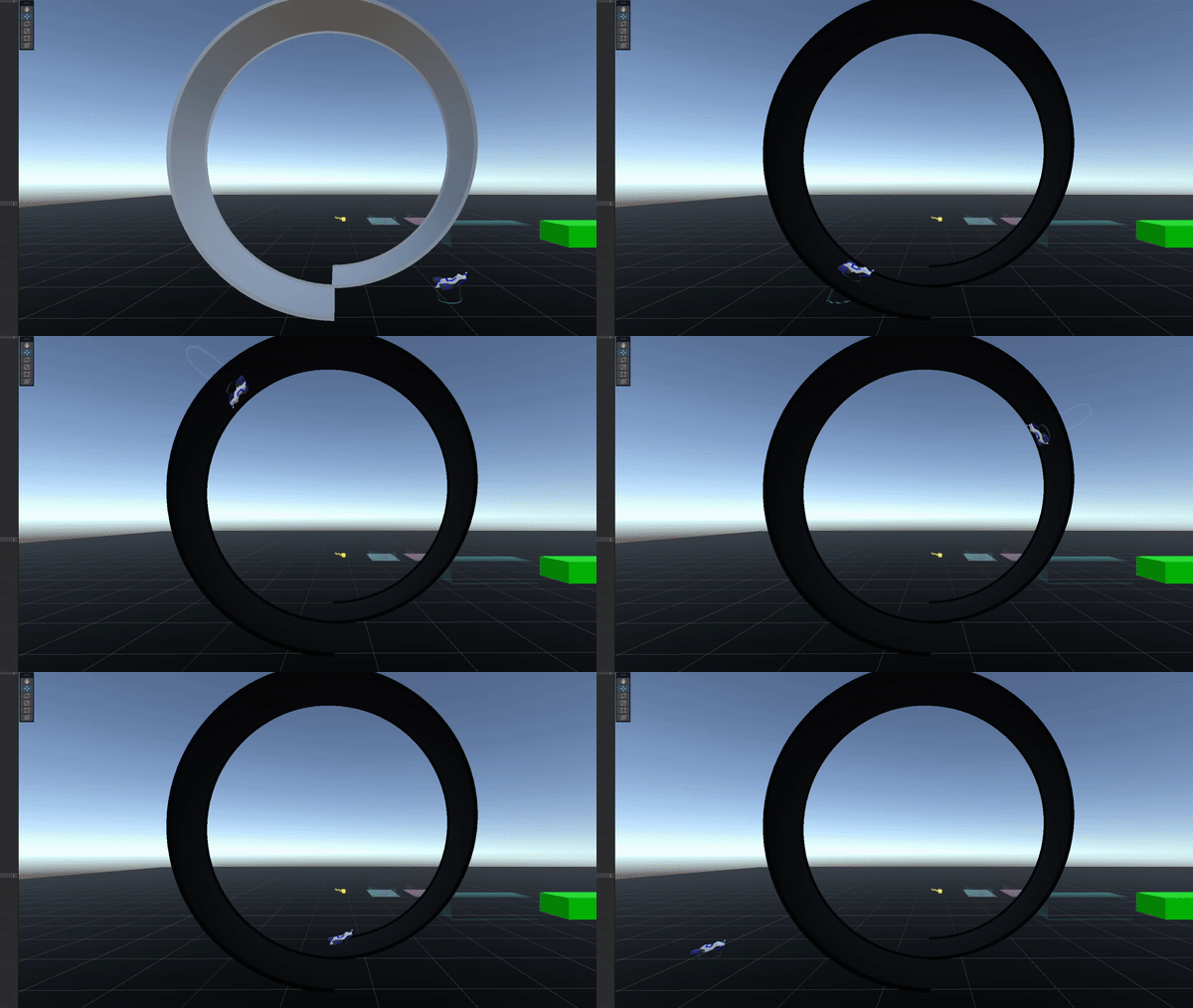
- Power Up System and some Power Ups logic.
- Graphical Debug Renderer for some features.
- Abstract Inputs for Input Controller: Agnostic inputs that worked for controller, gamepad, keyboard, etc.
Testing Automation:
- Automatic Testing using Unit Test Framework.
- Automatic Testing from command line for automatic builds in Jenkins.
- Debugging, testing and code refactoring all around my own work and others’.
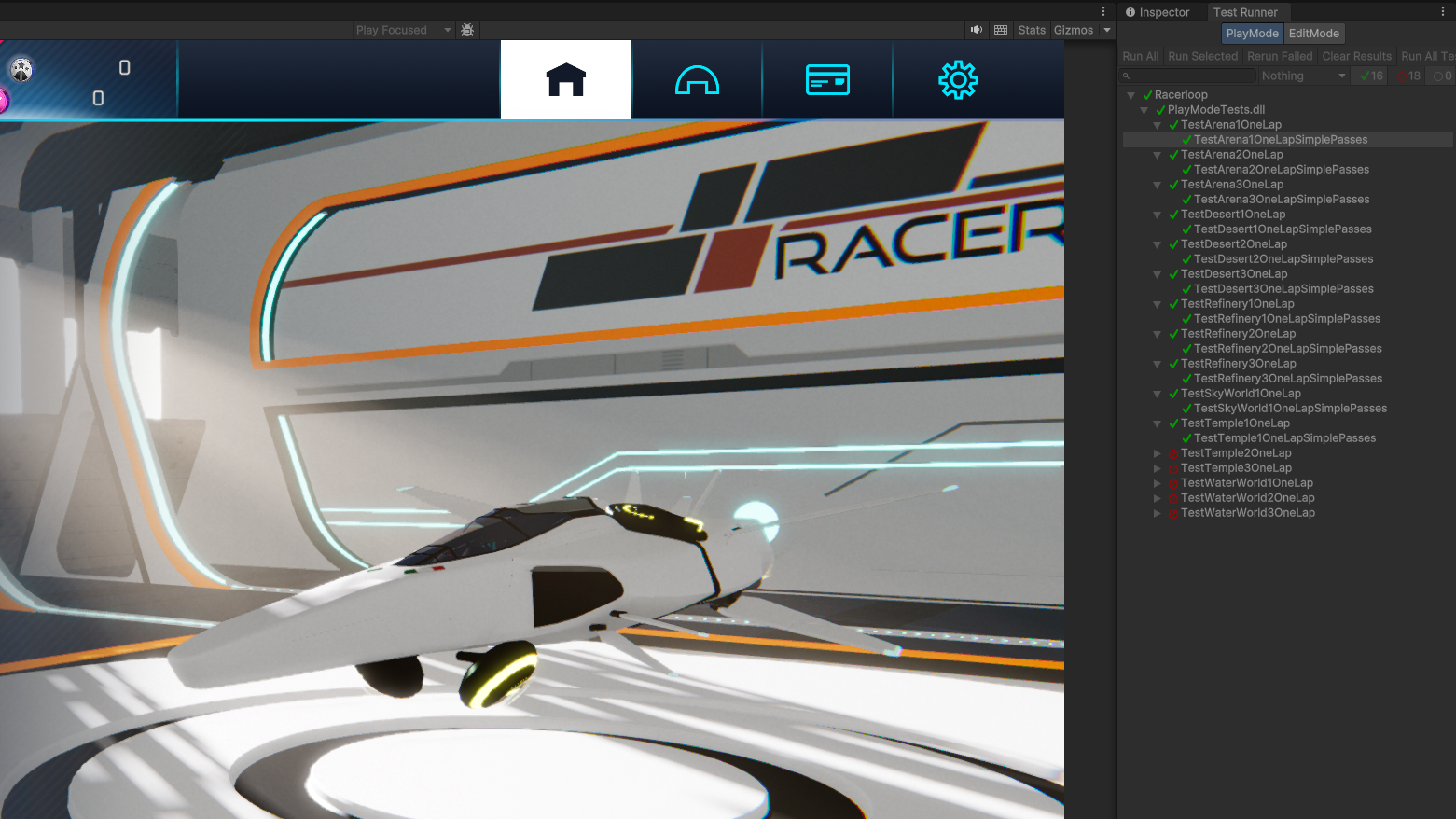
UI implementation: Implemented some UI screens, such as:
- First Register and Login screen: Using PlayFab API.
- Leaderboards screen: Both local and global using a PlayFab server.
- Online Menu and Lobby screens: Search game, create game, join lobby with code or by name, lobbies list…
- Customizable Modular Pop-up Error Window.
Math Utils: Several math scripts for game needs, such as:
- Calc Nearest Point in Segment.
- Calc Intersecting Point between Lines.
- Calc Projected Point in certain Area.
- 2DLine class.
Third Party APIs implementation:
- PlayFab API: Register, login and logout from PlayFab server, PlayFab metrics and stats load and save from server…
- Unity Networking Services.
- Unity Netcode for GameObjects.
- Unity Lobby.
- Unity Relay.
Simple VFX:
- Simple Shaders: First hovering force, ship’s shield…
- Simple Particle Systems: First kinetic lines for movement effect in the camera, crash particles…
Offline Build:
- Initial work with offline services that insted of loading from the server worked from files.
- Just for events where there was no internet (like an Expo)
- Setting it from the command line.
You can check it out at the Epic Store or at the Racerloop webpage.